
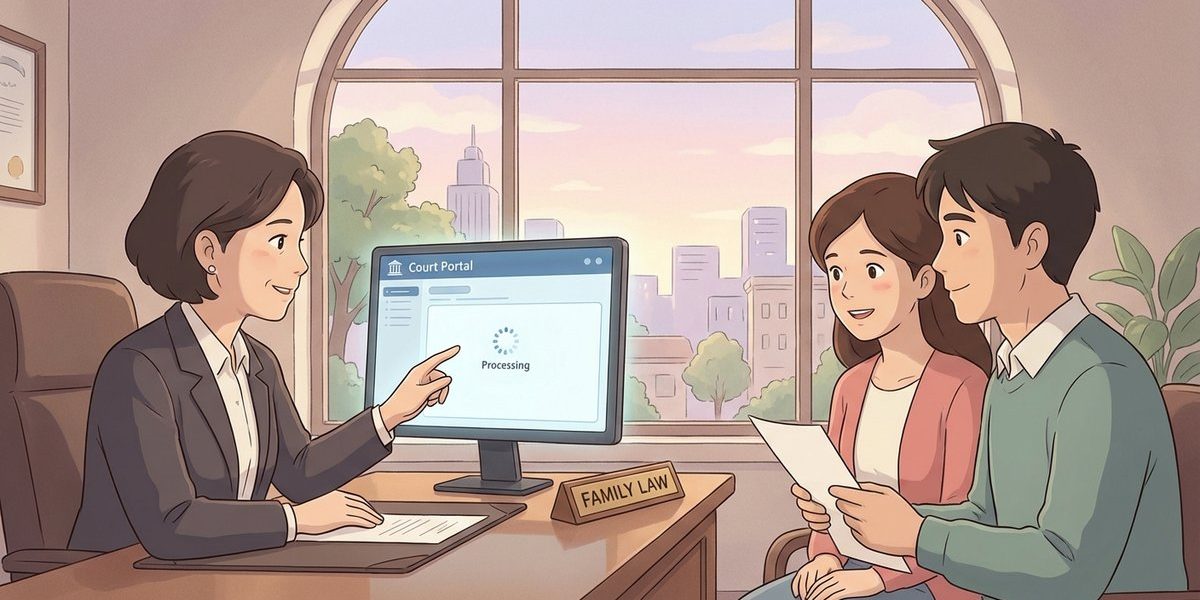
How long does it usually take for scanned divorce documents to appear in the court portal? – North Carolina
Short Answer
In North Carolina, there is no statewide rule that requires the Clerk of Superior Court to finish a “legacy scan” of an older divorce file by a specific deadline or to post it to the online portal within a set number of hours or days. In practice, scanned documents often appear within a day or a few business days after scanning, but timing depends heavily on the county’s staffing, backlog, and whether the file needs review or redaction before it can be posted. If court staff said to check later or the next day, that usually means the scan is in the queue and will post when processing catches up.
Understanding the Problem
In North Carolina, a party, attorney, or authorized representative may request that the Clerk of Superior Court digitize (“legacy scan”) an older divorce case file so it can be viewed through the court’s online portal. The practical question is how long it usually takes after the scan request for the documents to show up online. The decision point is whether the delay is a normal workload delay in the clerk’s scanning and indexing process, or whether a follow-up request is needed because the file has not been queued, completed, or made viewable in the portal.
Apply the Law
North Carolina law generally requires the clerk’s office to maintain court records and to file and record certain family-law documents, but it does not set a specific turnaround time for scanning older paper divorce files into an online portal. Many divorce judgments and related filings are handled through the Clerk of Superior Court, and older files may require extra processing steps (like indexing, quality checks, and removing information that should not be publicly displayed) before portal access becomes available. As a result, the “usual” timing is an administrative workflow issue handled by the clerk’s office in the county where the divorce was filed.
Key Requirements
- Correct case identification: The clerk’s office typically needs the county, file number (if available), party names, and approximate filing year to pull the right paper file for scanning.
- Completion of scanning and indexing: A scan is not truly “in the portal” until staff finish scanning, confirm the images are readable, and index the documents so they attach to the correct case record.
- Portal availability and access limits: Even after scanning, some documents may not display immediately (or at all) depending on public-access rules, redaction needs, and portal configuration in that county.
What the Statutes Say
- N.C. Gen. Stat. § 130A-111 (Registration of divorces and annulments) – Requires the clerk to prepare and forward monthly divorce/annulment reports to the State Registrar; it does not set a deadline for scanning case files into an online portal.
- N.C. Gen. Stat. § 50-32 (Disposition of certain child support cases within 60 days) – Creates a timing rule for a specific type of child support case; it does not control how quickly older divorce documents must be scanned and posted.
Analysis
Apply the Rule to the Facts: A representative requested a full legacy scan of a North Carolina divorce file so the digitized documents can be viewed in the court’s online portal. Because North Carolina statutes do not set a specific “scan-to-portal” deadline for older divorce files, the clerk’s office controls timing based on workload and internal processing steps. The clerk’s staff indicated the scan would be added when workload allows and suggested checking later or the next day, which fits a common administrative queue-and-post workflow.
Process & Timing
- Who files: A party, attorney, or authorized representative. Where: The Clerk of Superior Court in the North Carolina county where the divorce was filed. What: A request for a “legacy scan” (counties vary on whether they use a form, an email request, or an in-person records request). When: As soon as the need for the file is identified; turnaround is typically driven by the clerk’s workload rather than a statutory deadline.
- Clerk processing: Staff locate the paper file, scan it, and then index the images to the correct case record. If the file is large, stored offsite, or missing pieces, this step can take longer than “next day.”
- Portal posting: After indexing (and any needed review), the scanned images become visible in the portal. If the portal still shows nothing, the next practical step is to confirm the scan was completed and correctly attached to the case number.
Exceptions & Pitfalls
- County-by-county differences: North Carolina counties vary in staffing, scanning backlogs, and portal configuration, so “usual” timing in one county may not match another.
- Indexing delays: A file can be scanned but not searchable or viewable until staff finish indexing it to the correct case entry.
- Public access limits and redaction: Some documents may require review before public display, or may be restricted from portal viewing, which can make it look like the scan is “missing.”
- Wrong case identifiers: A misspelled name, incorrect year, or wrong county can send the request to the wrong file or delay retrieval from storage.
- Portal lag: Even after posting, systems can take time to refresh, and some portals show docket entries before images become available.
Conclusion
In North Carolina, there is no statewide legal deadline that requires a Clerk of Superior Court to complete a legacy scan of a divorce file and post it to the court portal within a set time. Posting time usually depends on the county’s workload and the steps needed to scan and index the file for portal viewing. The most practical next step is to follow up with the Clerk of Superior Court in the filing county and ask whether the scan has been completed and indexed to the correct case number.
Talk to a Family Law Attorney
If a legacy scan delay is affecting a related family-law petition or a court deadline, our firm has experienced attorneys who can help clarify options for getting the needed divorce record and planning around timing issues. Call us today at (919) 341-7055.
Disclaimer: This article provides general information about North Carolina law based on the single question stated above. It is not legal advice for your specific situation and does not create an attorney-client relationship. Laws, procedures, and local practice can change and may vary by county. If you have a deadline, act promptly and speak with a licensed North Carolina attorney.

